

Private sessionsOne client. Your full attention.
Personal training
Give private training sessions their own booking link, duration and available hours. Collect client goals before the first appointment.
Explore client intakeBooking software for personal trainers, yoga & Pilates studios
Spend more time coaching and less time arranging bookings. Your Day Schedule helps personal trainers, yoga teachers and Pilates studios manage online bookings, group classes and prepaid session packages.

Illustrative schedule
Built around the way you teach
From independent personal trainers to yoga teachers and Pilates studio owners, set up bookings around the way you work. Offer private sessions, group classes or both.
Give private training sessions their own booking link, duration and available hours. Collect client goals before the first appointment.
Explore client intake
Offer private yoga sessions or group classes. Set the number of places and let clients choose from your available times.
Explore group bookings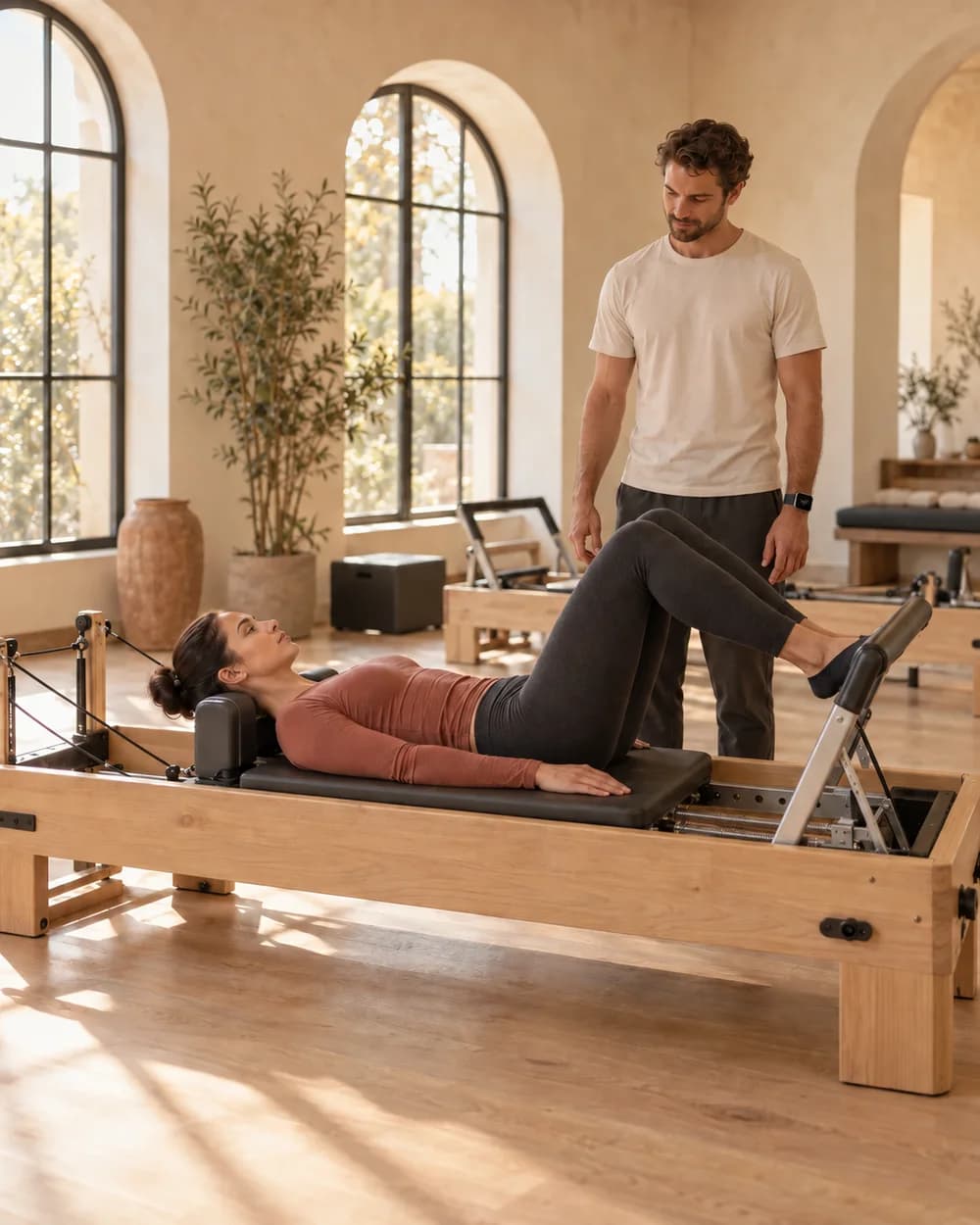
Match class capacity to your space and equipment. Offer private sessions or small groups, with prepaid packages for eligible appointments.
Explore session packagesYour attention belongs with the people in front of you.
Keep a clearer record of each client’s training. Coming soon, record sessions with the Your Day Schedule Apple Watch app and turn the recordings into transcripts. Use them to update progress notes, review goals and carry client feedback into the next session.
Record a training session from your wrist, with your client’s permission, and transcribe the recording.
Use the transcript to update session notes, track what improved and keep client goals clear.
Keep a record of what felt good, what was challenging and what to focus on next time.
“The last set felt steadier. Let’s build on that next time.”
Prepaid, one session at a time
Offer prepaid personal training packages and yoga or Pilates class passes. Clients buy a block, book with their package code and see what’s left in their portal.
One-time prepaid purchases. No automatic renewal.
Illustrative packages and remaining credits
The admin, handled
Collect client goals before a session, protect time across your calendars and let waiting clients know when a class place opens.
What would you like to work on?
Strength, confidenceAdd intake questions to your booking flow. Know what a client wants to work on before their first personal training, yoga or Pilates session.
Explore intake formsConnected calendars → booking availability
Connect multiple Google or Outlook calendar accounts, including work and personal. Busy times across connected accounts block booking slots; new bookings go to your primary calendar.
Explore calendar syncWaiting clients are notified.
The first to book gets the spot.
Enable a waitlist for full classes. When a cancellation opens a place, waiting clients are notified and the first to book gets the spot.
Explore waitlistsIllustrative intake response, calendars and waitlist notification
Before you start
Yes. Connect multiple Google or Outlook calendar accounts. Busy times across connected accounts block booking slots, so you can make room for studio sessions and personal commitments. New bookings are added to your primary calendar; additional accounts are used to check for conflicts.
Yes. Offer one-to-one personal training, private yoga or Pilates sessions, and group classes. Set a capacity of one for private appointments, or enable Activity bookings and choose a maximum number of attendees for each group class. Each group session has one host.
Yes. Create a prepaid package, choose the number of sessions and eligible services, and set an optional expiry. Clients pay through your connected Stripe or Square account and use their package code when booking. Each credit covers one person’s place in an eligible session.
No. Packages are one-time purchases and do not renew automatically. Use them for training blocks or class passes; keep recurring membership billing in your existing membership system.
Yes. Their client portal shows active packages, remaining credits, expiry and the package code, with a link to book another session.
The slot stops accepting new bookings when its capacity is reached. If you enable the waitlist, clients can join it. When a cancellation frees a place, waiting clients are notified; the first to book gets the place.
This feature is coming soon. It is planned to let trainers record sessions with the Your Day Schedule Apple Watch app and transcribe the recordings. With the client’s permission to record, trainers can use transcripts to update progress notes, review goals and keep client feedback for the next session.
Make space for your next session